Product URL
claims, price, images
Enla connects product research, strategy, copy, creative, and publishing in one system. Give it a URL. Get a campaign built for every channel.
Ask Enla anything, or paste an ad to iterate on…
It reads the URL, extracts product and brand signals, then orchestrates copy, launch settings, and image instructions with platform context attached.

Enla AI
Analyzing
Product URL
claims, price, images
Brand voice
tone and offer rules
Reference images
product-safe rendering
Meta signals
read-only performance
Channel rules
formats and policy fit
Launch settings
UTMs, budgets, names
From strategy and copy to creative, formats, and publishing, Enla gives your team specialized operators for the work between a product URL and a live campaign.
Strategy
Turn a product page into distinct audience angles, offers, hooks, and a clear testing plan.
Prompt
Build five campaign angles from this product URL.
Context
Mapping the campaign
Reading the offer, proof, audience, and category.
Campaign angle map
Five angles ranked for the first test
Creative
Generate ready-to-test static ads structured around your product, brand, and each placement.
Generated ad set
Three concepts ready for review

Benefit proof

Review proof
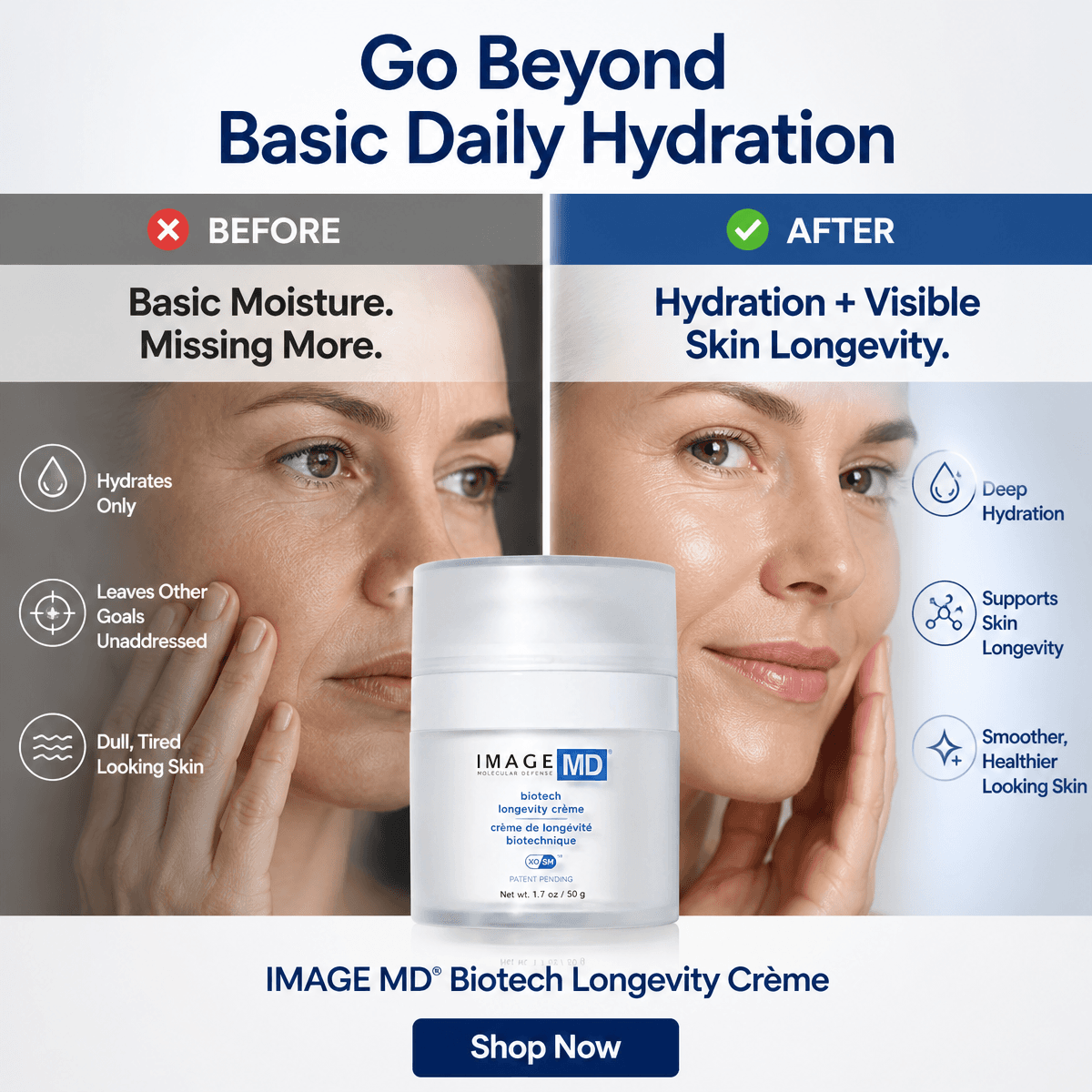
Problem–solution
Copy
Write platform-native headlines, primary text, descriptions, and calls to action in one pass.
Prompt
Write platform-native copy for this campaign.
Context
Writing channel-ready copy
Applying brand voice, limits, proof, and CTA rules.
Primary text
Your next campaign should start with proof—not another blank prompt.
Turn one product URL into channel-ready copy built around the offer, audience, and brand.
Formats
Rebuild winning concepts for feeds, stories, display, search, and native placements.
Prompt
Adapt the winning concept for every placement.
Context
Rebuilding each composition
Preserving hierarchy while changing shape and crop.
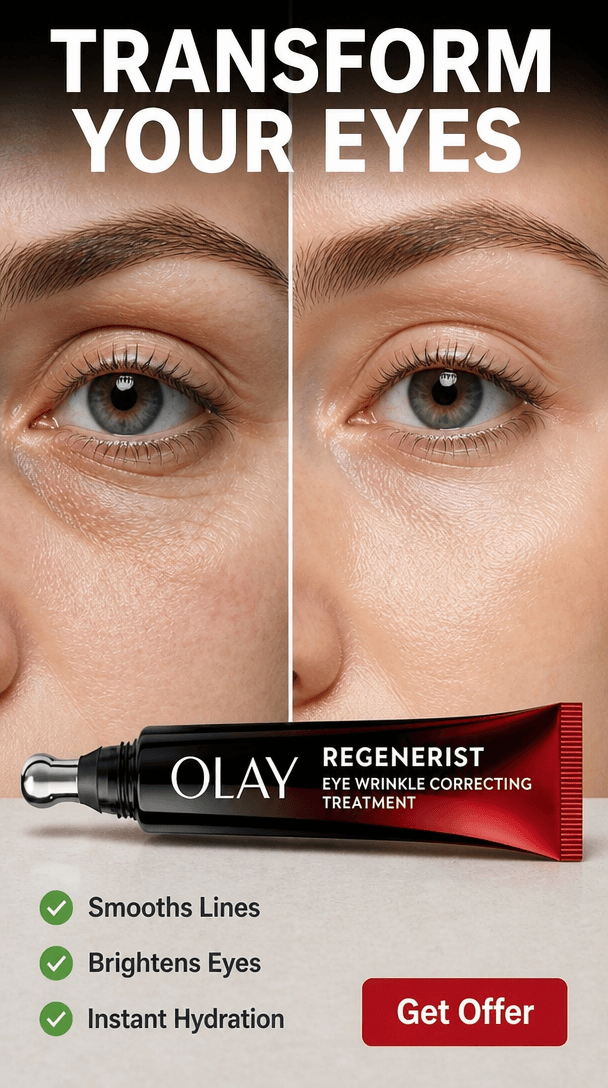 9:16
9:16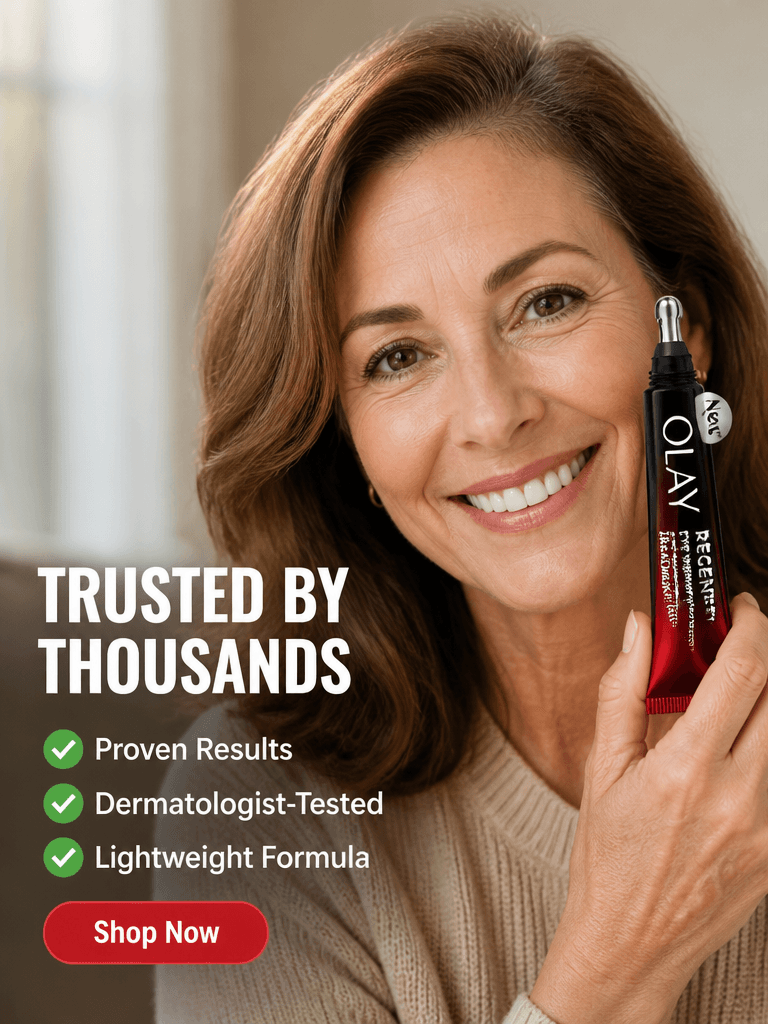 4:5
4:5 1:1
1:1 16:9
16:9Publish
Review creative and copy together, then publish approved campaigns to connected ad accounts.
Prompt
Package the approved ads for launch.
Context
Preparing the campaign
Validating copy, creative, naming, budgets, and UTMs.

ENLA_US_PROSPECTING_TEST
3 ads · 2 ad sets · Meta
Learning
Keep product context, brand rules, creative references, and performance signals connected.
Prompt
Use our brand rules and previous winners.
Context
Connecting campaign context
Combining product, brand, creative, and performance signals.
Brand context
A better workflow for the people behind the ads.
Design preview · Illustrative quotes, not customer testimonialsMeta, Google, TikTok, Taboola, Outbrain, MGID, RevContent, MediaGo, and Axon by AppLovin each get platform-aware copy fields, launch settings, and image dimensions.









Brand inputs, creative decisions, and campaign signals stay connected, so every new output starts with more context.
EnlaIntelligence LayerMost tools solve one step. Enla connects strategy, creative, channel requirements, and launch settings in one campaign workflow.
EnlaLearns your product, offer, voice, and visual identity
Generic AI tools
Starts cold every session
Point solutions
Context stays inside each tool
EnlaOne connected workflow from product URL to launch pack
Generic AI tools
Prompt-by-prompt manual work
Point solutions
Disconnected handoffs
EnlaStrategy, copy, creative, and launch settings together
Generic AI tools
Mostly raw text or images
Point solutions
One narrow output at a time
EnlaMeta, Google, TikTok, display, and six native networks
Generic AI tools
Broad output, rarely media-ready
Point solutions
Built for one channel or use case
EnlaRatios, copy limits, naming, budgets, and UTMs included
Generic AI tools
Requires manual assembly
Point solutions
More tools and exports to manage
EnlaBrings campaign results into the next generation
Generic AI tools
Little live campaign context
Point solutions
Performance data stays separate
Enla gives every role a launch-ready starting point from the same product URL, so strategy, copy, creative, and channel packaging stay aligned.
Turn product pages into weekly angle tests across paid social, native, and search.
Angles + launch settings
Move from product insight to usable image briefs, benefit hooks, and testimonial concepts.
Briefs + creatives
Package polished campaign options for clients without rebuilding every format by hand.
Review-ready packages
1 URL
shared product source
5 angles
ready for testing
All sizes
channel-shaped output
Choose a plan and add your card securely. You will not be charged until the trial ends, and you can cancel before then.
Nine today: Meta, Google Ads, TikTok, Axon by AppLovin, Taboola, Outbrain, MGID, RevContent, and MediaGo. Each one gets platform-specific copy fields, aspect ratios, and placement guidance.
Choose a plan and add a card securely through Stripe. You get 7 days of access to that plan and are not charged until the trial ends. Each generation produces a complete campaign package, copy, image variations across formats, and launch settings.
Starter includes 100 credits per month, Pro includes 600 credits per month, and Studio includes 1,500 credits per month. Paid plans unlock the full platform, all 9 ad networks, connectors, brand profiles, and the shared review pages.
You can top up credits at any time from the billing page. Credits roll over while your subscription is active and apply on top of your monthly plan allowance.
No. Each generation produces a full campaign package, audience angles, platform-specific copy, image variations across the right aspect ratios, and launch-ready settings like UTMs and naming.
Only when you explicitly launch a campaign. Enla reads account context to ground recommendations without changing anything, then creates campaigns, ad sets, creatives, and ads only after you review the setup and confirm the launch.
Meta Ads is live. Google Ads, Axon by AppLovin, and Triple Whale are coming soon, you can see status on the Connectors page in workspace settings.
Usually no. Enla reads product images and metadata from the URL. You can also upload your own reference images from the Photos page in the workspace and use them in generations.
Yes. Any campaign run can be shared through a public read-only link, so reviewers can inspect the full package without logging into the workspace.
Yes. Cancel during the trial to avoid a charge. After billing begins, your subscription stays active until the end of the current period. Your history remains stored, but generation requires an active trial or paid plan.
The Usage page in workspace settings shows generations used this month, remaining credit balance, and recent activity. Billing-level invoices and payment history live on the Billing page.
Yes. Light and dark themes are supported from the Appearance settings, and they persist across the workspace.
Take a quick survey and discover how Enla can transform your customer support operations.